Speak to Type
An Android app for voice notes. You talk and it writes down what you say. The free version has one small banner ad. There is no account and no subscription.
Get it on Google PlayWhy I made it
I used a dictation notes app on my old phone. It capped me at 10 notes and the ads got in the way. I wanted something I could actually use, so I built it. Speak to Type has no note limit, shows one small banner ad, and doesn't ask you to sign up for anything.
I'm one person. I built this and run it under the name Clear Elm. You can email me at clearelm.app@gmail.com.
How it works
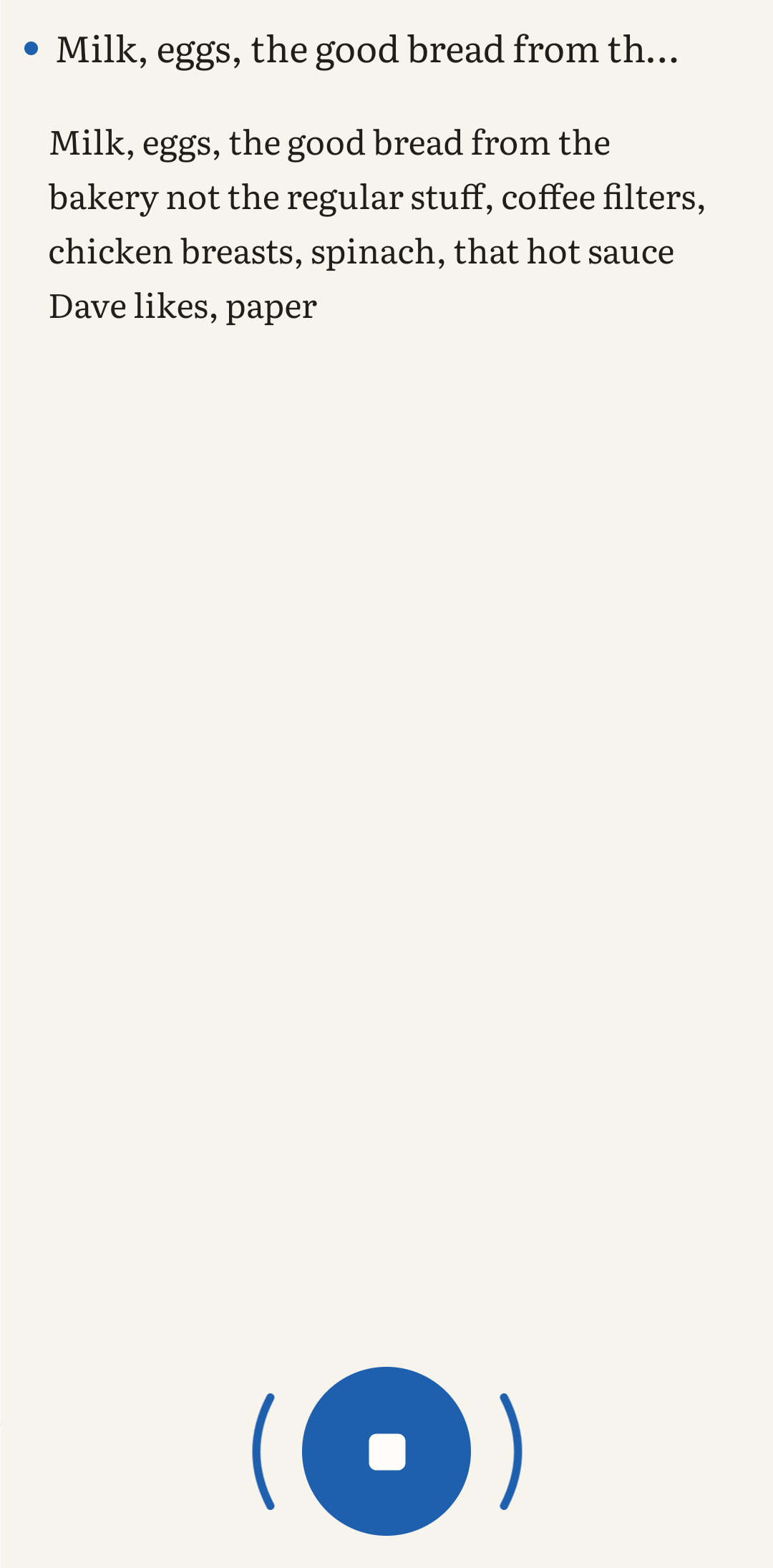
Tap the mic and talk. Your words appear as a note. It keeps listening while you pause, so you don't restart it after every sentence. By default it stops after 45 seconds of silence. You can turn that off for free. You can edit a note after you dictate it, and copy the text out.
The details
| Platform | Android, on Google Play (package com.clearelm.speaktotype) |
|---|---|
| Free version | Unlimited notes. |
| Ads | One small banner ad. No fullscreen ads and no ads while you dictate. |
| Premium | A one-time purchase of US$3.99. Not a subscription. It removes the banner and adds dark mode, accent colors and a custom silence timeout. |
| Account | None. No sign-up. |
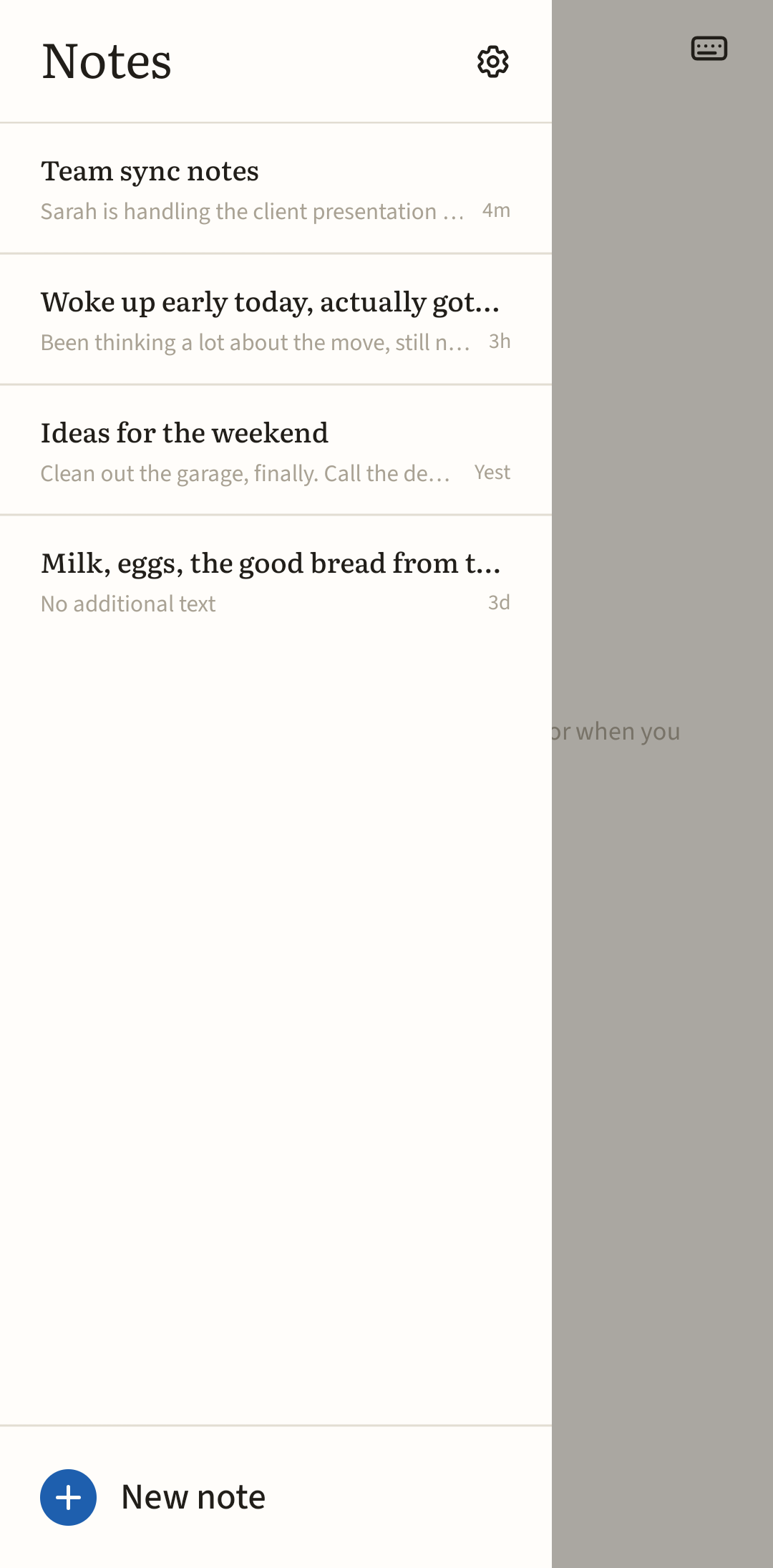
| Your notes | Saved on your phone. I don't get a copy. |
| Speech recognition | Your phone's built-in Android speech recognition. On some phones that sends audio to Google. The privacy policy has the details. |
| App language | The app is in English, Spanish and Chinese. |
Common questions
Is it really free?
Yes. Unlimited notes, no payment needed. The free version shows one small banner ad, and Premium takes it away.
Is there a subscription?
No. Premium is a one-time purchase.
Is it ad-free?
Not the free version. It has one small banner. There are no fullscreen ads and nothing shows up while you dictate. Premium removes the banner.
Does it cut off when I pause?
No. It keeps listening through pauses and stops after 45 seconds of silence by default. You can turn the auto-stop off for free, or set your own timeout with Premium.
Do I need an account?
No. Your notes are saved on your phone.
What happens to my audio?
I don't run a server and I never receive your notes or your voice. The app uses Android's speech recognition, and on some phones that sends audio to Google. The free version's ad comes from Google AdMob. The privacy policy has the details.
Looking for an alternative to Speechnotes, Write by Voice, Voice Notebook or Voice Notes?
If you're searching for an alternative to one of these Android dictation and voice notes apps, Speak to Type is another option.
- Speechnotes (WellSource)
- Write by Voice: Speech to Text (UXAPPS LTD)
- Voice Notebook (Yuri Khramov)
- Voice Notes (Pacific Fisher Group)
- Dragon Anywhere (no longer sold since 1 July 2026)
Speak to Type has unlimited free notes, one small banner ad, no account, and a one-time unlock instead of a subscription. Get it on Google Play.
These names belong to their owners, and I'm not connected to any of them. I haven't tested them, so check their pages for what they offer today.